New
SHINING 3D
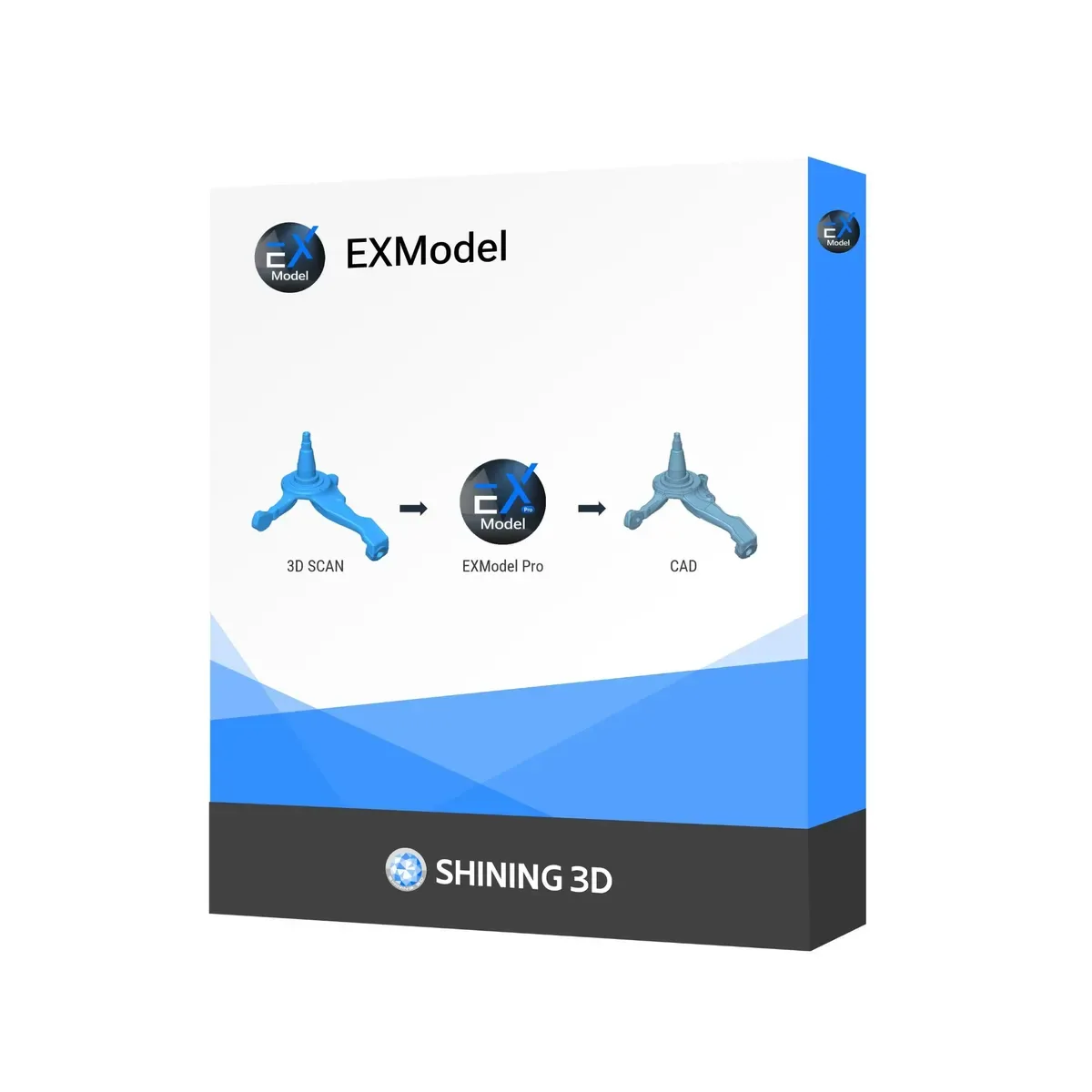
Shining 3D EXModel PRO
Reverse engineering software — An affordable solution for professional reverse engineering
Full specifications on request: we will send the manufacturer datasheet with the quotation.
Overview
Shining 3D EXModel PRO
An affordable solution for professional reverse engineering
EXModel is new software from SHINING 3D, a world leader in 3D digitizing and scanning technology, available at a very affordable price for an official license.
The software is integrated into the Shining 3D ecosystem and is compatible with all of the company's scanners, including the Einscan and Freescan series, ensuring a smooth transition from physical object to digital model. EXModel simplifies reverse engineering with an intuitive interface and workflow.
Importantly, EXModel Pro also supports importing data captured by any 3D scanner and is not tied to SHINING 3D products alone. You can load any .stl model and work with it in EXModel.
Key features
EXModel has a number of unique features that set it apart on the market:
- Freeform modeling. Lets the user reconstruct freeform surfaces, which is not possible with standard surface processing methods.
- Real-time deviation analysis. A speed-optimized color deviation map keeps everything under the user's control and delivers accurate results.
- Auto Surface. Fits a freeform surface to a selected region. The color deviation map instantly shows surface quality. Auto Surface lets the user create a surface that follows the reference mesh as closely as possible.
- Scan data import. Data can be loaded from any scanner using standard mesh files such as STL, OBJ or PLY. For long-range scanners, data can be imported in PTX format.
- Mesh optimization. A built-in polygon count optimization function lets the user produce a mesh with a suitable number of triangles at minimal cost to quality.
- Interactive selection. Easy-to-use tools for extracting regions of interest. Magic wand, brush and freeform selection let the user identify areas with critical features or freeform curved surfaces.
- Primitive extraction. Reconstructs cylinders, spheres, cones and planes and creates relationships between them, such as perpendicularity, parallelism and coincidence. The tool creates reference geometry for aligning the mesh in space, which ensures correct positioning of the object in the world coordinate system.
- Symmetry plane. A plane-position quality analyzer allows the position to be fine-tuned for the best results.
- 2D section. Interactive sectioning allows extraction of reference points for a 2D sketch, alignment of the section plane to extracted primitives or CAD faces, and even creating a section interactively on screen. For lofting (building a surface from sections), the user can also create multiple sections at once.
EXModel changes the approach to reverse engineering software, giving professionals affordable tools to convert 3D scans into accurate parametric CAD models. Ease of use combined with powerful modeling capabilities makes the software an invaluable asset for anyone looking to improve production with speed and precision.
Choosing the right tool is a strategic decision that requires careful consideration of many factors. If you have any questions about the product, call us for a personal consultation with an expert. We will be glad to answer your questions and demonstrate EXModel as well as a wide range of 3D scanners.
We always look for an individual approach to every customer and are ready to offer unique, hybrid solutions based on your business needs.
Specifications
Technical specifications
Manufacturer data. Ask an EXAMETRA engineer for the current configuration.

Shining 3D EXModel PRO
Reverse engineering software
Full specifications on request: we will send the manufacturer datasheet with the quotation.
exametra.com · info@exametra.com · +7 777 821 10 00
Applications
Where EXModel PRO is used
Find a solution
Is EXModel PRO right for your task?
Specify accuracy and size — we will compare with alternatives.
- 01Task
- 02Accuracy and size
- 03Matching models
- 04Contacts
Model: Shining 3D EXModel PRO
Similar models
Software and accessoriesCompare with similar models
- Weight
- 0.8 kg
Request
Get a quote for EXModel PRO
- Price, configuration, lead time
- Demo on your part
- Operator training and service